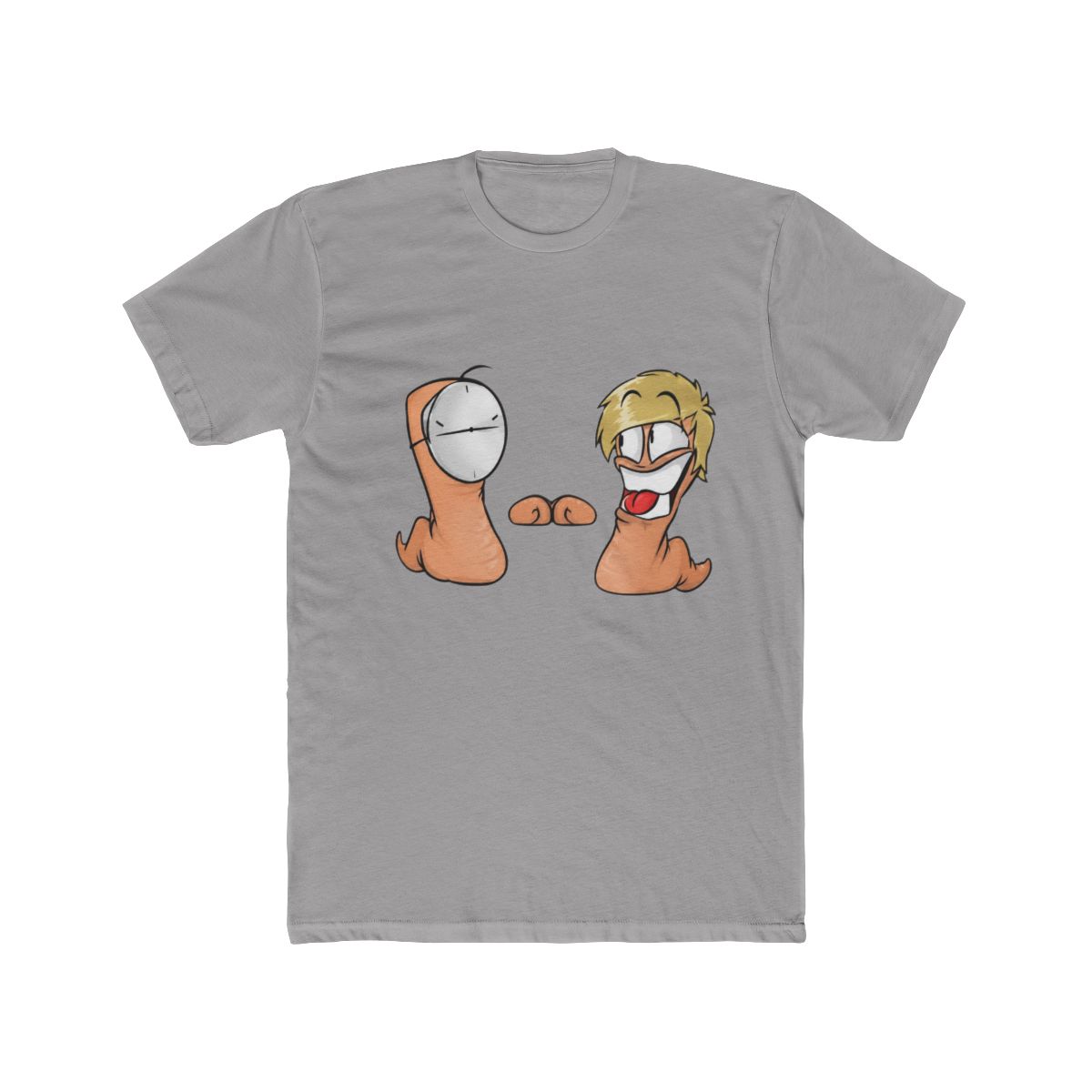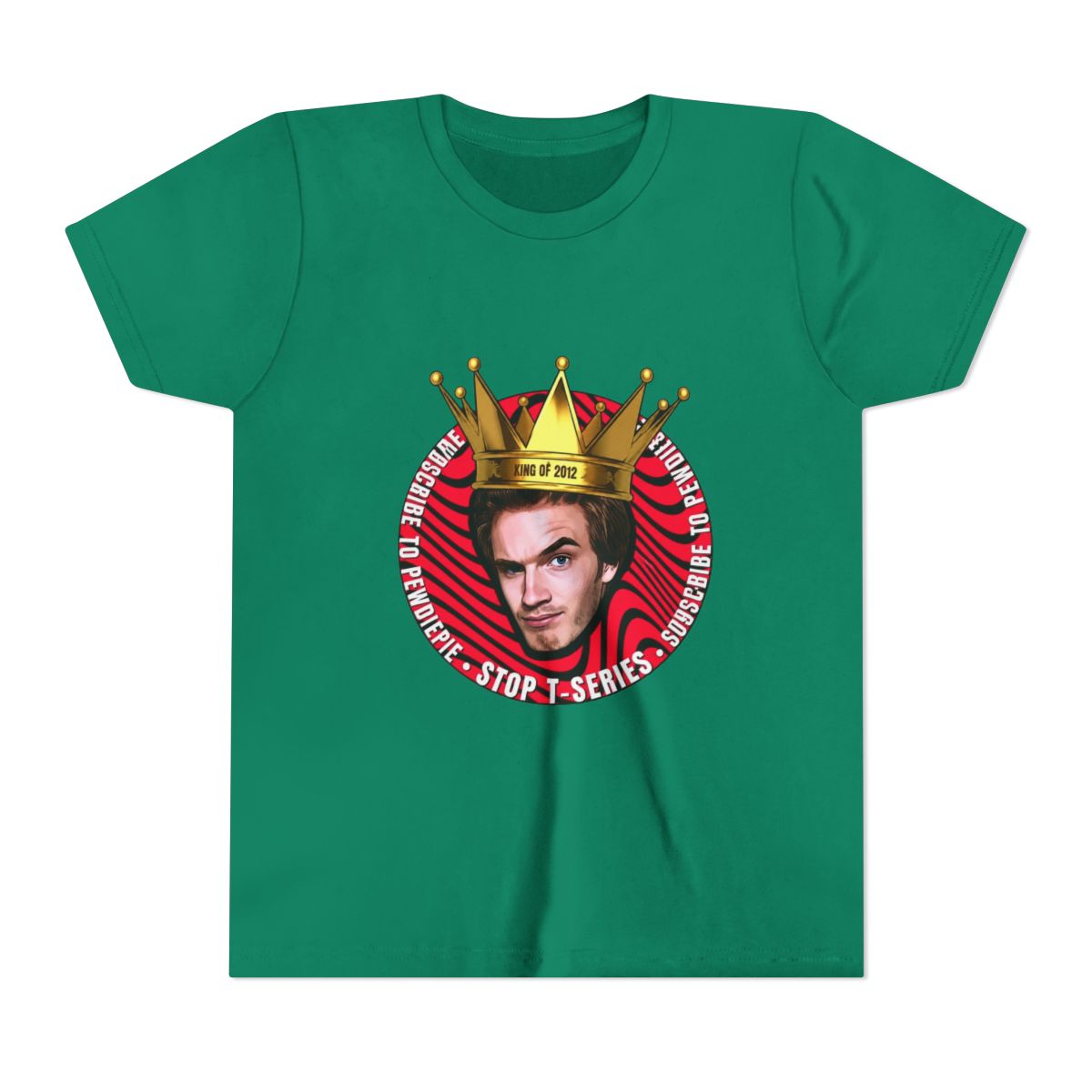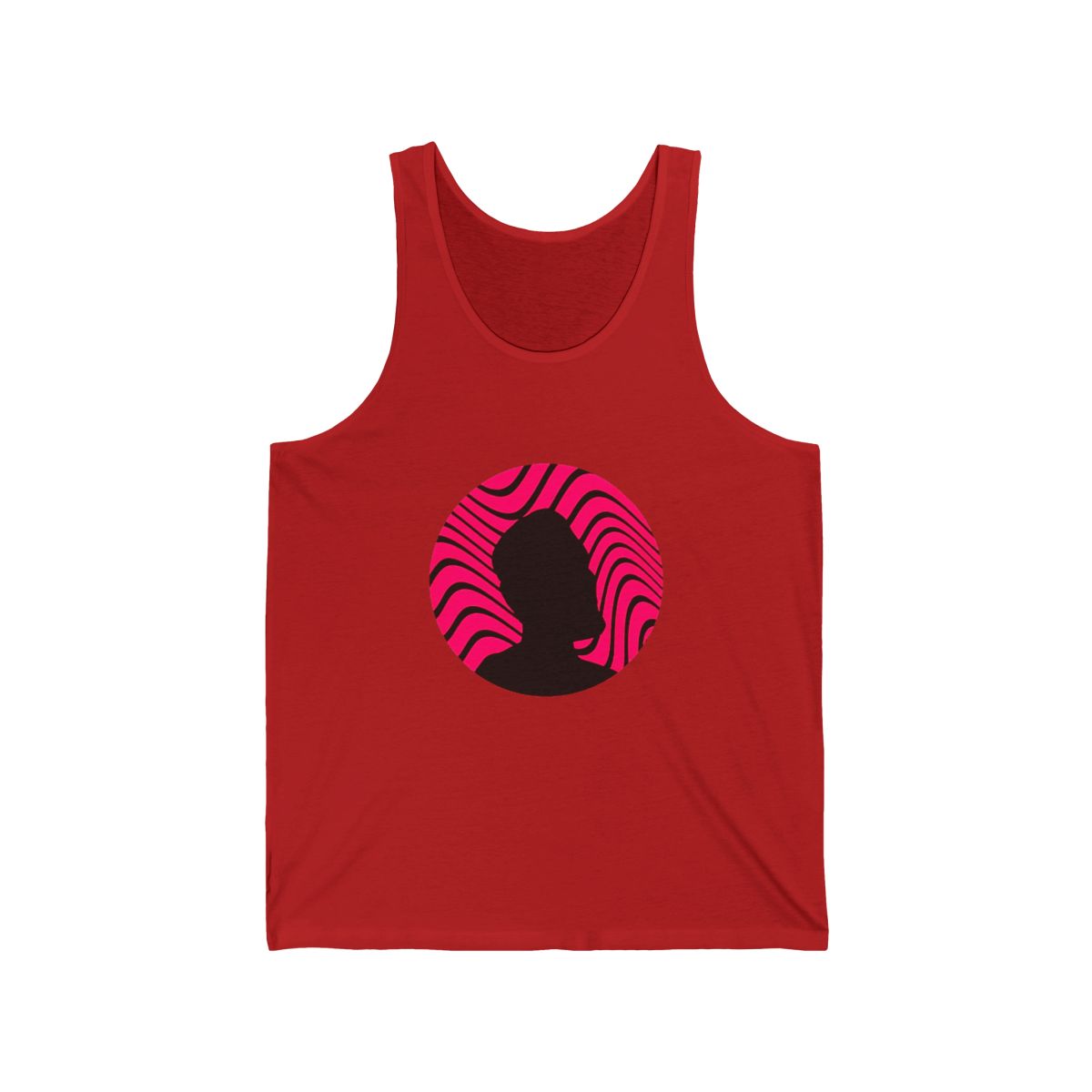
Welcome to the world of PewDiePie merch! Whether you've been a fan for years or just discovered his channel, getting your hands on official gear is a must. But with so many items and frequent drops, it can be overwhelming. This guide will walk you through the store, help you find the perfect fit, and ensure you snag what you want without a hitch.
← Back to Blog
Navigating the PewDiePie Official Merch Shop: Tips for New Buyers
New to the PewDiePie official shop? This guide covers navigation, sizing, filters, and checkout tips to help you buy merch like a pro.
Finding Your Way Around the PewDiePie Merch Store
The official shop is straightforward once you know the layout. The homepage typically features the latest drops and bestsellers. You'll see categories like Apparel, Accessories, and Limited Editions. Each product page shows multiple angles of the item, a detailed description, and the price in USD. Take a moment to browse the "Featured" section to see what's trending. New fans often miss the "Collections" tab, which groups items by theme (like "BROFIST" or "Minecraft"). Spend a few minutes exploring to get a feel for the variety.
Understanding Sizing and Fit for Different Apparel
Sizing can be tricky, especially for limited drops. PewDiePie's tees and hoodies usually follow standard unisex sizing, but there are nuances. For example, the heavy cotton hoodies tend to run true to size but shrink slightly in the wash. Check the size chart on every product page - it includes chest width, length, and sleeve measurements. If you're between sizes, size up for a relaxed fit, especially for hoodies. Also note that some items like the "Slippy" joggers have a more athletic cut. Do not assume consistency across different collections. When in doubt, read reviews from other buyers.
How to Use Filters and Search to Find What You Want
The store's search bar is your best friend. Type keywords like "long sleeve" or "black tee" to narrow results. The filter panel on the left (on desktop) lets you sort by size, color, and price range. Pro tip: Use the "Availability" filter to see only in-stock items. This saves time when a new drop has already sold out. The sort by "Newest" option helps you catch recent additions. For returning visitors, the "Best Selling" filter highlights fan favorites. Learning these filters can reduce browsing time from 10 minutes to 2.
Tips for Checking Out and Avoiding Cart Abandonment
Nothing hurts more than losing your cart. PewDiePie's store uses a standard checkout flow, but here's how to beat common pitfalls. First, create an account before drop day. This saves your shipping info and makes checkout faster. Second, use auto-fill carefully - double-check addresses to avoid typos. Third, the store often adds a "shop delay" to prevent bots - you'll see a spinning wheel for a few seconds. Be patient and don't refresh. Lastly, keep your payment method ready (credit card or PayPal). High-demand items can sell out while you're entering card details. Consider using a checkout service like Shop Pay if available.
Knowing When to Check for Restocks and New Arrivals
PewDiePie announces drops on his social media (Twitter, Instagram) and often in videos. Restocks happen unpredictably, but there are patterns. T-shirts from popular collections sometimes get restocked months later. Follow the official @pewdiepie store account on Twitter for instant notifications. Also, check the "Coming Soon" section on the website. Sign up for the newsletter to get drop alerts (link in footer). Pro tip: Add sold-out items to your wishlist so you can quickly check later. Some items return as "reprints" during big sales like Black Friday. Patience pays off - don't overpay on resale sites.
Ready to gear up? Head to the shop and use these tips to score your favorite items.
Related Posts
Merchandise
PewDiePie Student Survival Kit: Must-Have Merch for 2026
Gear up for the 2026 school year with the best PewDiePie student merch. From durable hoodies to the ...
MerchandiseThe Ultimate Guide to PewDiePie Limited Edition Drops
Discover the secrets behind PewDiePie's most exclusive merch drops and learn how to add rare items t...
MerchandiseTop 5 PewDiePie Accessories to Complete Your Look in 2026
Discover the best PewDiePie accessories for 2026 - hats, bags, pins, and styling tips from a merch d...
Shop PewDiePie Merch
Official merchandise — premium quality, designed for the community.